

1
Upload your artwork
Transparent PNG files work best. JPG and PDF files can also be checked.
Upload your design
or drag and drop it here
Maximum file size: 25MB
No file uploaded yet.
Choose PDF page
Select the page you want to use for this sticker.
Processing artwork...
Preparing your preview and cutline.
2
Choose sticker style
Pick how you would like the sticker to be cut.
3
Sizing
Choose a size for your selected sticker style.
Choose what the custom cutline should follow.
Custom cut size is based on the longest edge.
Use if the artwork has a white background to remove before adding the border/fill.
Background / border colour
Upload artwork to sample colours.
Custom colour
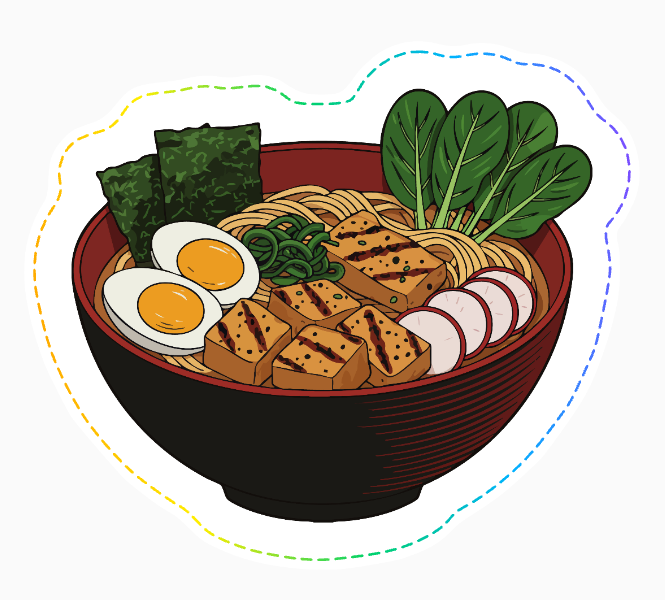
Your sticker preview
The dashed line shows the approximate cut edge.
This artwork leaves a large white area in the selected shape.
Add a matching background colour to fill it?
Estimated A4 sheet yield: — stickers per sheet
Approx. — per sticker
Print quality
Upload artwork to check.
Artwork check
No image uploaded.
This checker gives a helpful preview. Use the order button to attach the SVG cut file to your sticker sheet order, or download it manually if needed. Final print setup, cut lines and artwork checks may still be adjusted by Skipton Labels before production.